
| A | Assignment: 06 |
In this assignment we will use everything we have learnt so far in unit 06 to create virtual species. We will use the bioclim as environmental variables and the different functionalities from the virtualspecies R package to create virtual species.
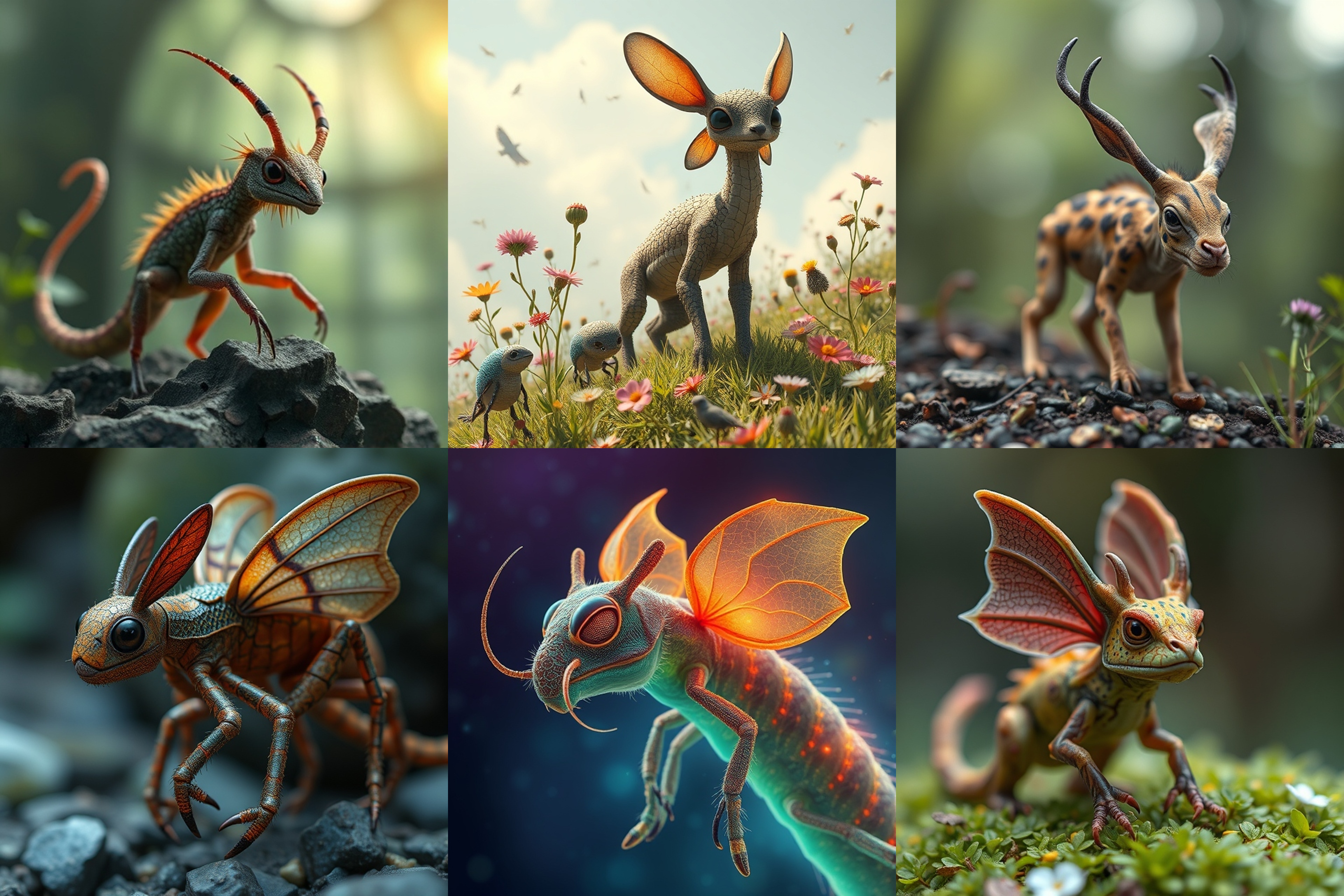 Image: Virtual species. Generated with deepai.org
Do the following exercises until the next session:
Create virtual species
- You may choose to work individually or in teams of up to two people.
- Use the bioclimatic variables from the WorldClim dataset. Select a specific country, continent, or region of the world and download the corresponding WorldClim data.
- Create in total 3 virtual species if you are working alone or 6 if you are working in a team. Create them by defining the response function for each variable individually using the function
generateSpFromFun. - Transform the environmental suitability to presence-absence maps using the
convertToPAfunction using thelogistictransformation. - Give each species a name (e.g., species1, species2, species3, …)
- Save the virtual species data as follows: Create a list where the first element contains the virtual species data and the second element contains the transformed presence-absence data. Save this list as an
RDSfile.
Sample presence-absence data
For each virtual species generate a dataset containing sampled presence-absence points. Follow these steps:
- Sample Presence-Absence Points
- For each species, sample varying amounts of presence-absence points.
- Ensure diversity in dataset sizes: some species should have large datasets, while others should have smaller ones.
- Introduce Spatial Sampling Bias
- For at least one species, introduce spatial sampling bias by limiting the sampled points to specific regions.
- Add Additional Sampling Bias
- Incorporate other forms of bias, such as introducing an error probability in the presence-absence data for selected species.
- Update the Virtual Species
.RDSFile- Add the generated datasets to the
.RDSfile of virtual species. - Use the following script as a reference for modifying the
.RDSfile:
- Add the generated datasets to the
- Prepare Files for Submission
- Compress all
.RDSfiles of the virtual species into a single.ziparchive. - Create a
PDFdocument describing each species, including details such as:- Niche breadth.
- Environmental variables used.
- Response functions of the species to environmental variables.
- Error probabilities in the sampled presence-absence points.
- Upload the
.zipfile and thePDFdocument to ILIAS.
- Compress all
If you are working in teams of two make sure to add both of your names.